 Santa Caught on Camera
Catch Santa on your own security camera
Upload a photo of your living room or front door. Get a 10-second security-camera clip of Santa coming in, leaving presents and looking right at the lens. Ready to play for the kids on Christmas morning.
Sample clip made from a stock photo of a living room.
- Your own room, not a cartoon overlay or someone else's house
- Free preview picture first, pay only for the video
- No account needed. Photos are used once to make your clip
One free preview per day. Takes about 30 seconds.
Santa is sneaking into your photo…
Keep this tab open.
That is Santa in your room. Now make it move.
The full clip is 10 seconds in 720p: Santa walks in, puts down presents, eats a cookie and turns to the camera. No watermark.
Secure payment by Stripe. Already paid? Restore my purchase
The first file is the clean clip. The second adds the REC mark and timestamp, recorded in your browser. Videos stay available for 24 hours, so save it now.
What you get
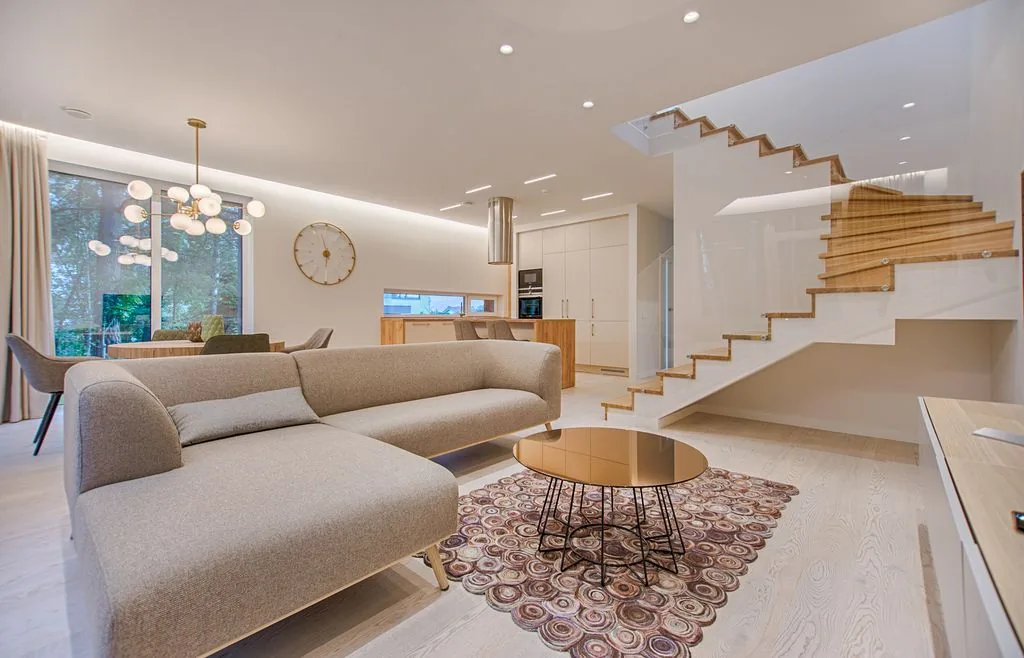
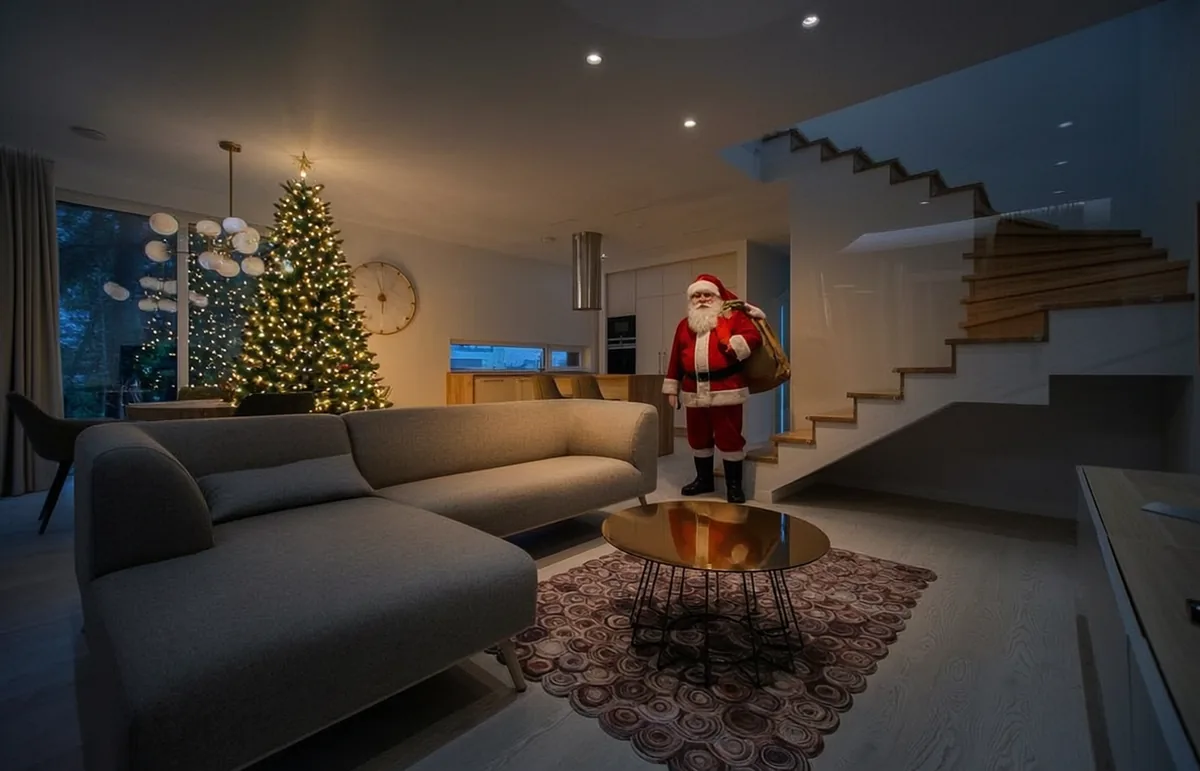
The same sample as a picture pair. Your free preview is built the same way from your own photo, and the 10-second video continues from it.
How it works
Pick the camera
Living room or doorbell. Upload a photo of the real spot where you want Santa to show up.
See the free preview
You get a camera-style still with Santa standing in your room. If it looks right, go on.
Make the video
About two minutes later you can play, download and save it, then show the kids when they wake up.
Pricing
One payment per video. No subscription, no account.
Pick a plan, then upload a photo above. If a video fails to render, your credit is returned automatically.
Questions
What kind of photo works best?
A wide, well lit photo of the room or door where you want Santa. Landscape photos with floor visible give the most natural walk-in. Photos with people or faces are not needed and work worse.
How long does the video take?
The preview picture takes about 30 seconds. The video usually takes 1 to 3 minutes after you start it.
Will it look like real security footage?
The scene is lit like a night-time camera and the clip is shot from a fixed high angle. Use "Save with camera timestamp" to add the REC mark and date, then play it on a phone or TV for the kids.
What happens to my photo?
It is sent to our video model once to make your clip and is not published. See the privacy page.
Can I get a refund?
If a video fails, the credit returns to your account automatically. For anything else use the Feedback button on this page.